One console.
Any software.
J.T.S. recognises your Loupedeck or Stream Deck the moment you plug it in, loads the profile of the app in front and turns every key and knob into a precise command. For macOS, Windows and Linux.
Why J.T.S.
Scalable
Consoles, profiles, languages, icons, themes and backgrounds are XML files: add a new model or new software without touching the program. Plugins add actions and drivers.
Made to measure
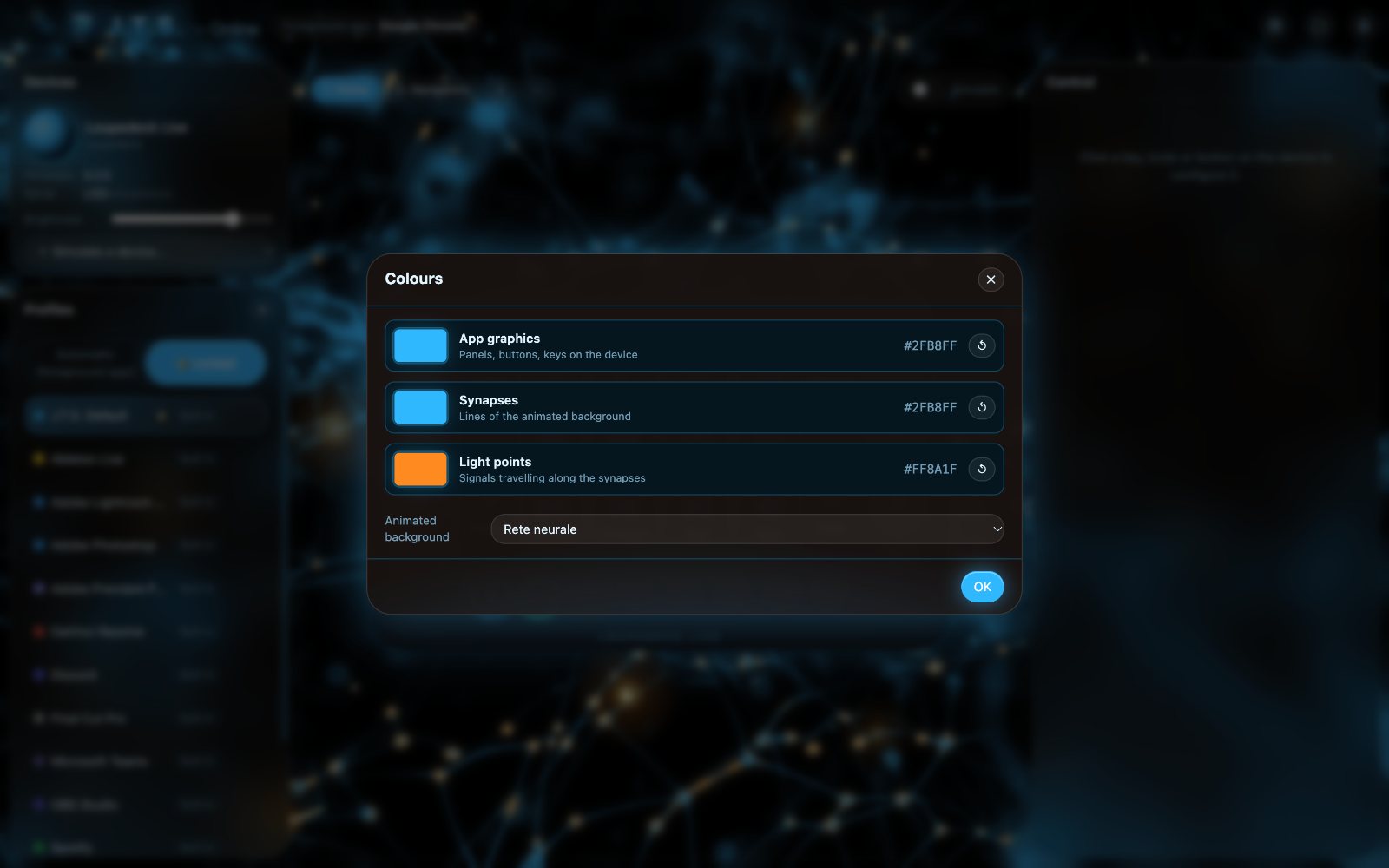
Labels, icons, colours and action sequences for every key. 10 themes, 6 graphic styles and three independent colours for the interface, synapses and light points.
Fast and precise
Zero-lag input, adjustable acceleration, fine mode while holding the knob, touch strips as high-resolution sliders and sub-pixel mouse movement.
Always ready
Starts with your computer and lives in the menu bar, notification area or tray. Plug in a console and it is recognised and configured instantly.
Automatic profiles
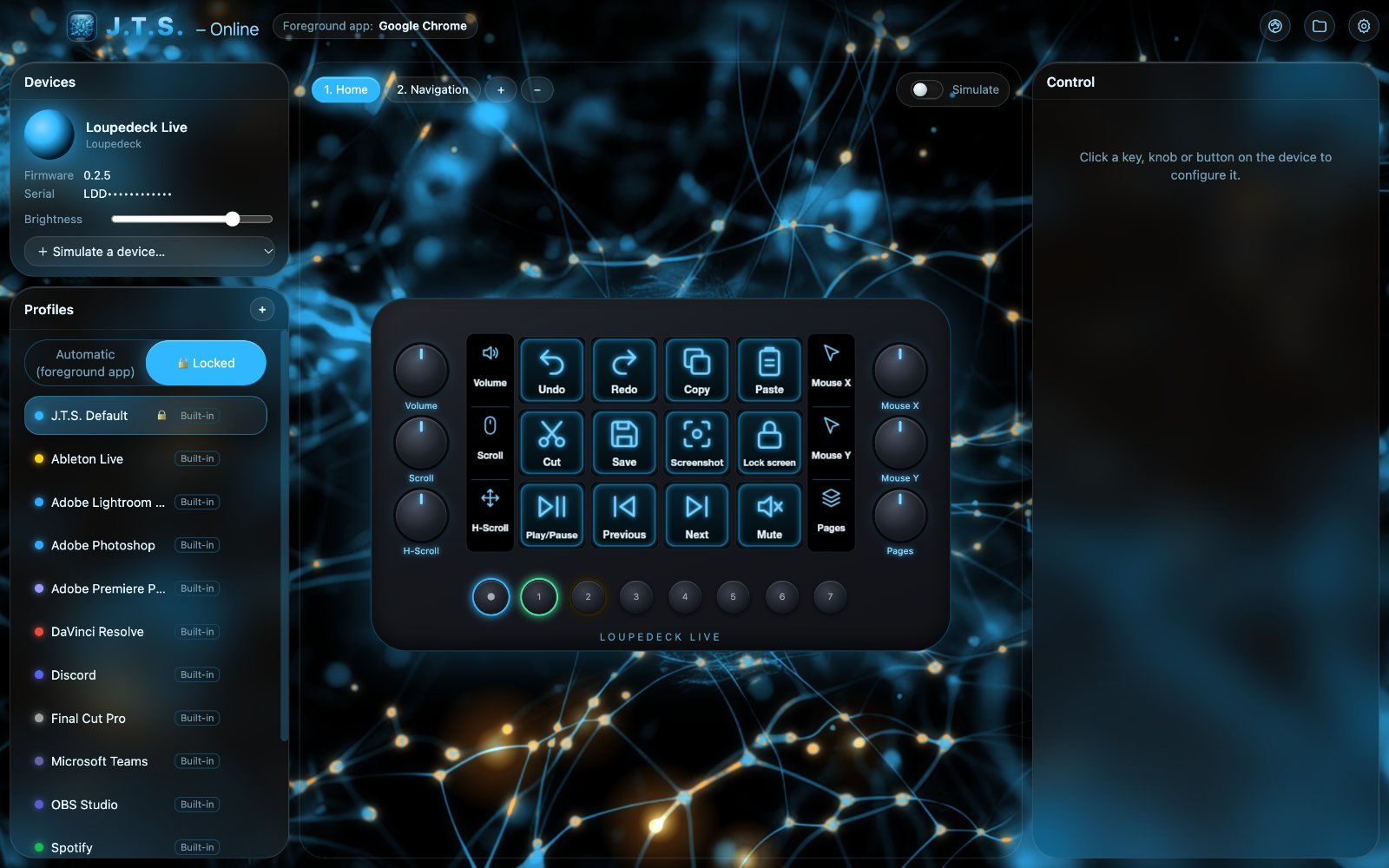
Lightroom, Photoshop, Premiere, DaVinci Resolve, Final Cut, OBS, Spotify, Zoom, Teams, Discord, browsers, VS Code, Ableton: the right profile follows the app you are using.
8 languages
Italiano, English, Deutsch, Español, Русский, 中文, 日本語 and العربية with right-to-left layout. New languages with a simple XML file.
Styles, themes and icons
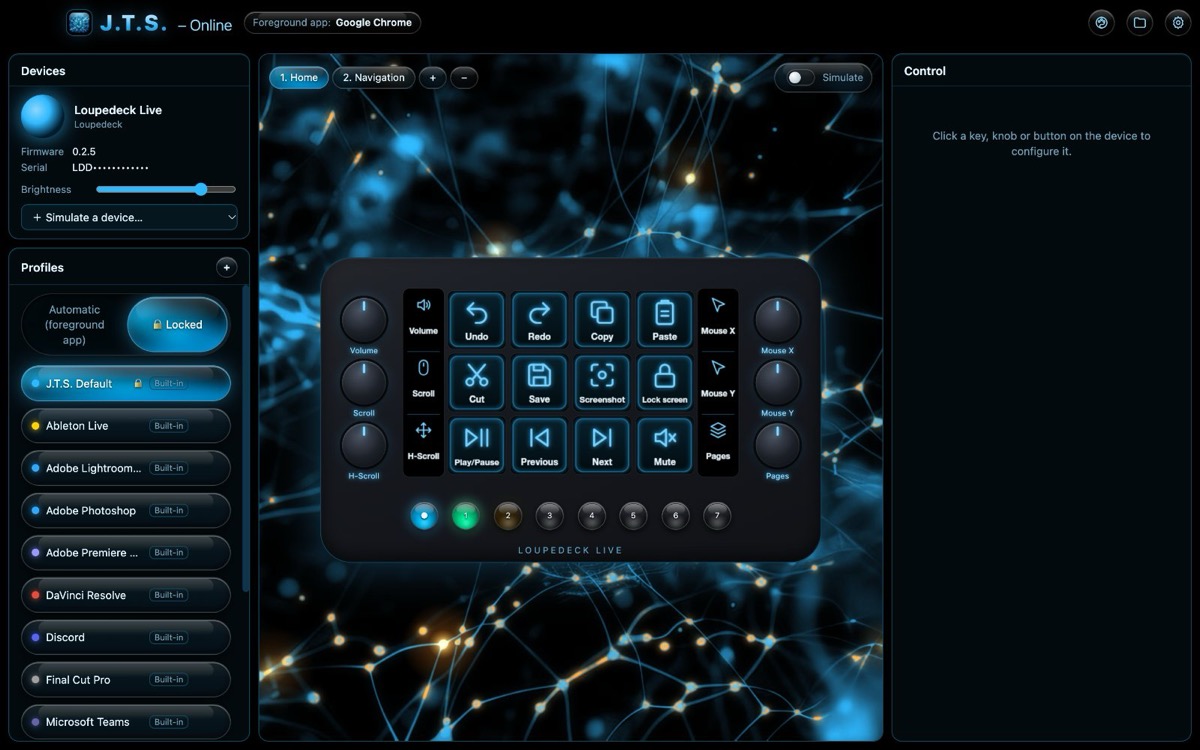
Six graphic styles – liquid, faceted, frosted, smoked and amber glass plus classic neon – switch instantly from Settings without touching colours or animation.
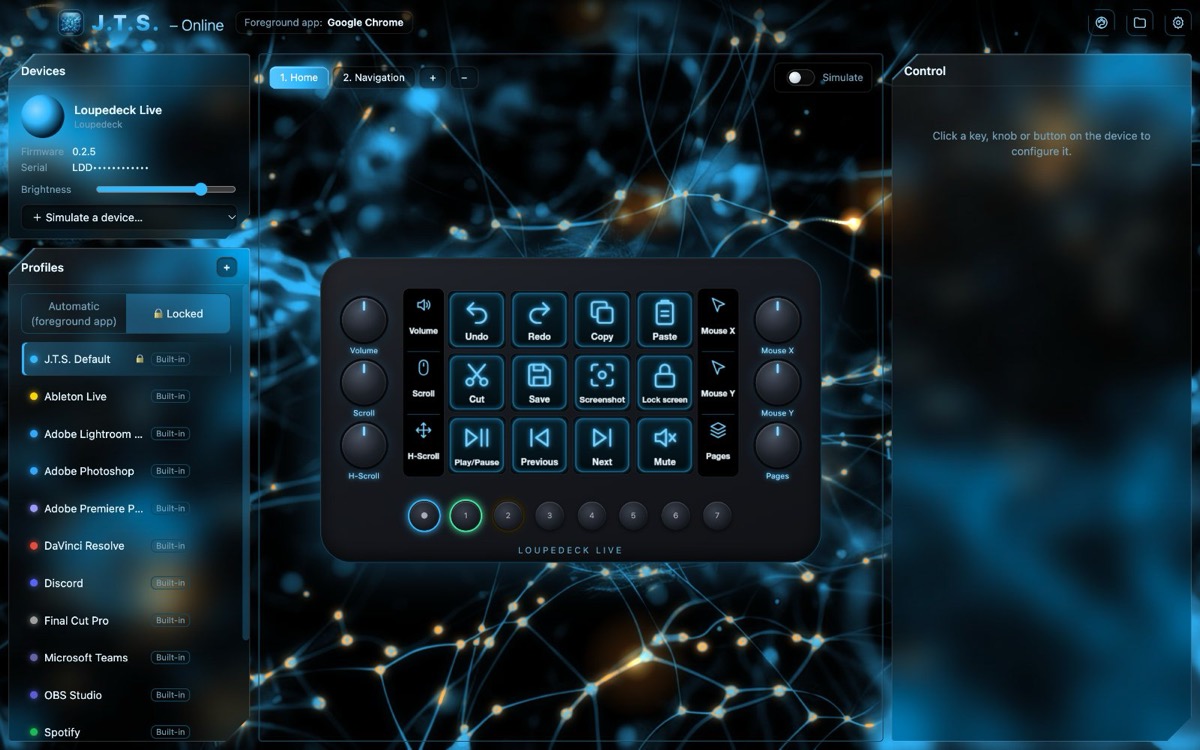
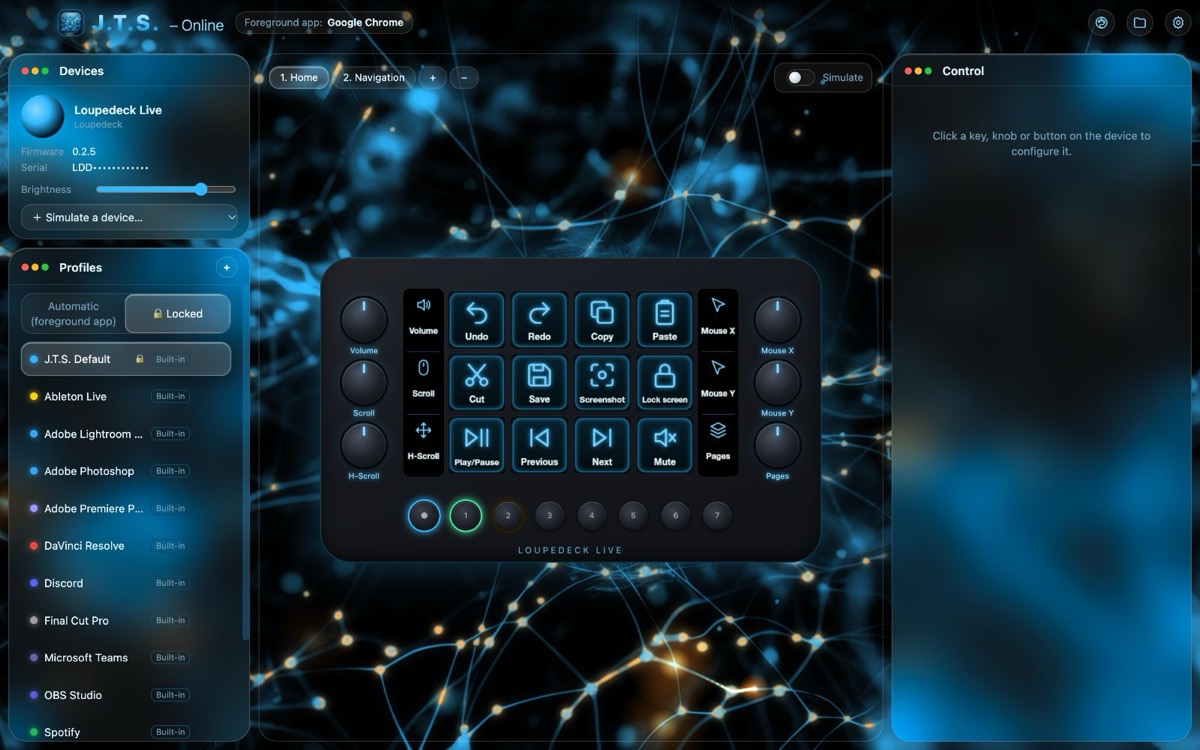
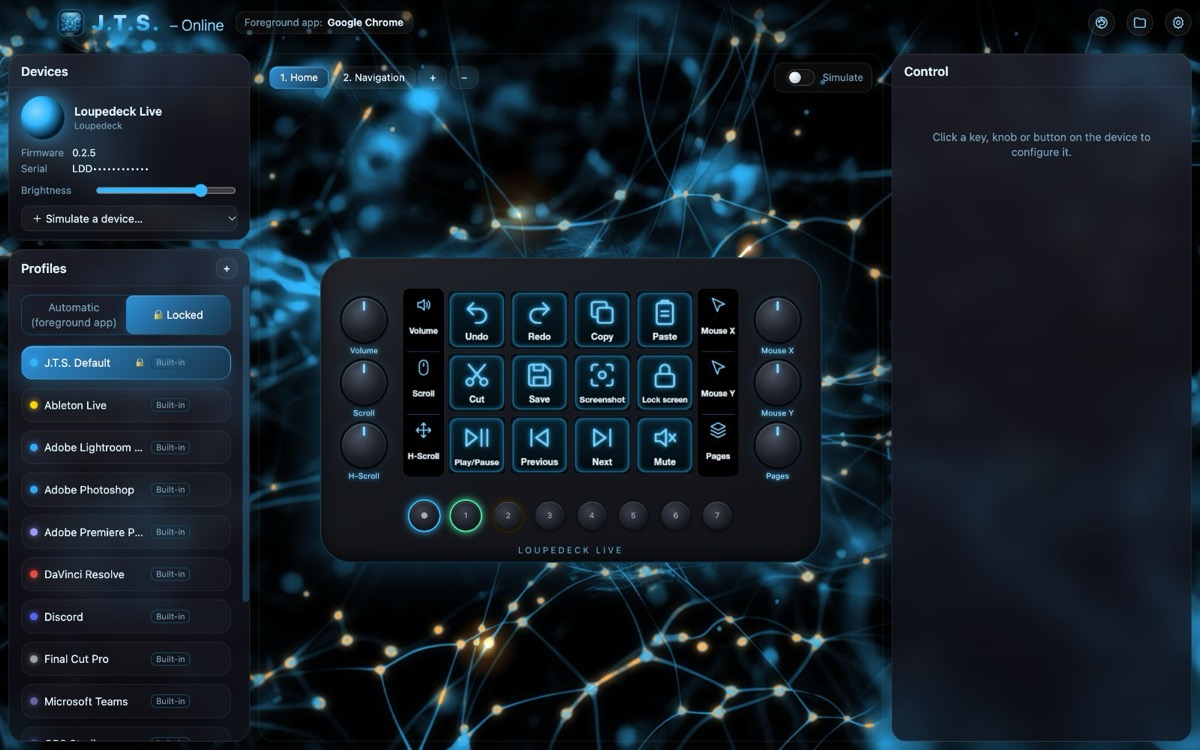
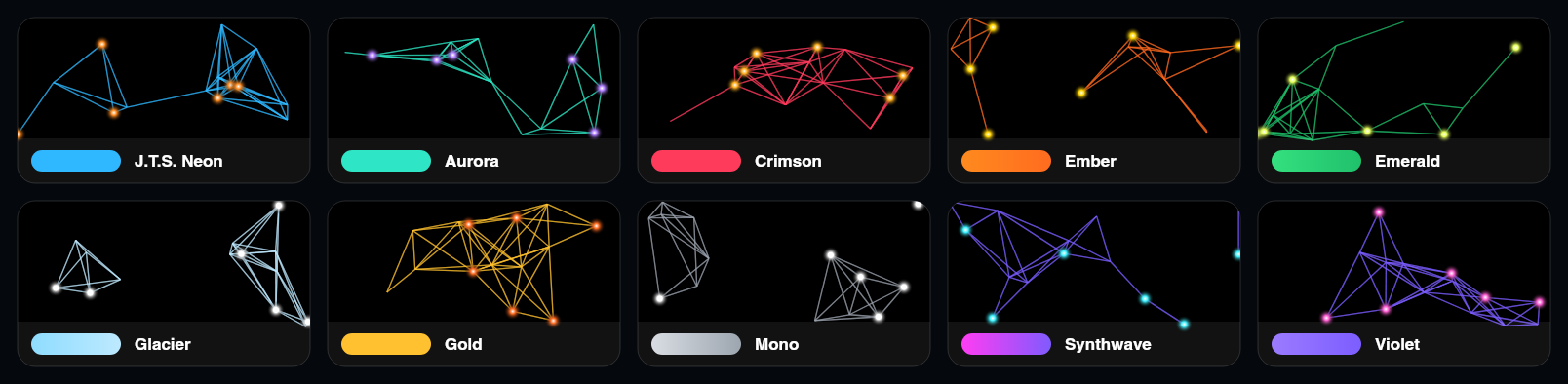
10 themes
Each theme colours the interface, keys, synapses and light points. Three colours can still be customised with the Photoshop-style picker.
Coloured icons for your apps
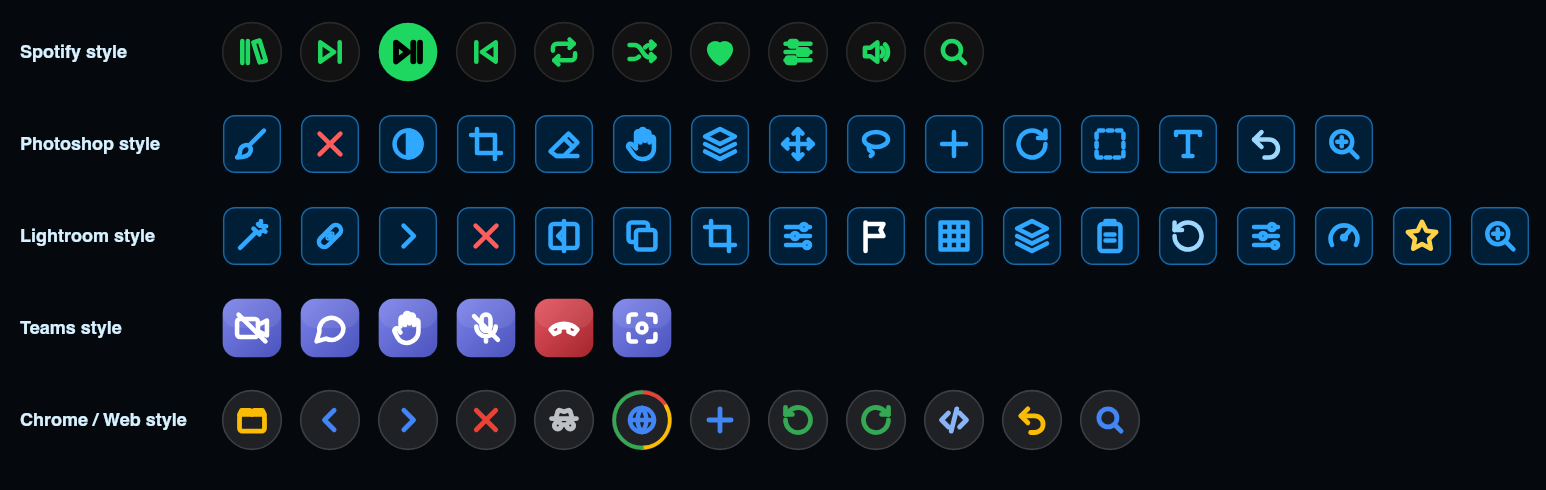
Icon sets in the style of Spotify, Photoshop, Lightroom, Teams and Chrome, already wired to their profiles. New sets are simple folders of SVG files.
Supported consoles
Every model is described by an XML file: drawing, controls and protocol. Without hardware you can simulate any console.
The interface
Your console drawn live, with the same images as the physical keys, over a backdrop of synapses carrying light signals.
Download
Version 0.1.0. Free. On macOS drag the app into Applications and start it from there.
Builds are not signed yet: the first time on macOS use right-click → Open; on Windows “More info” → “Run anyway”.